Illustrative PLC and DCS automation hardware lineup
  • GE Mark V Turbine Control System: Understanding the Roles of DS200TCPS, DS200TCQA and DS200TCDA Boards
    November 13, 2026
    GE Mark V Turbine Control System: Understanding the Roles of DS200TCPS, DS200TCQA and DS200TCDA Boards

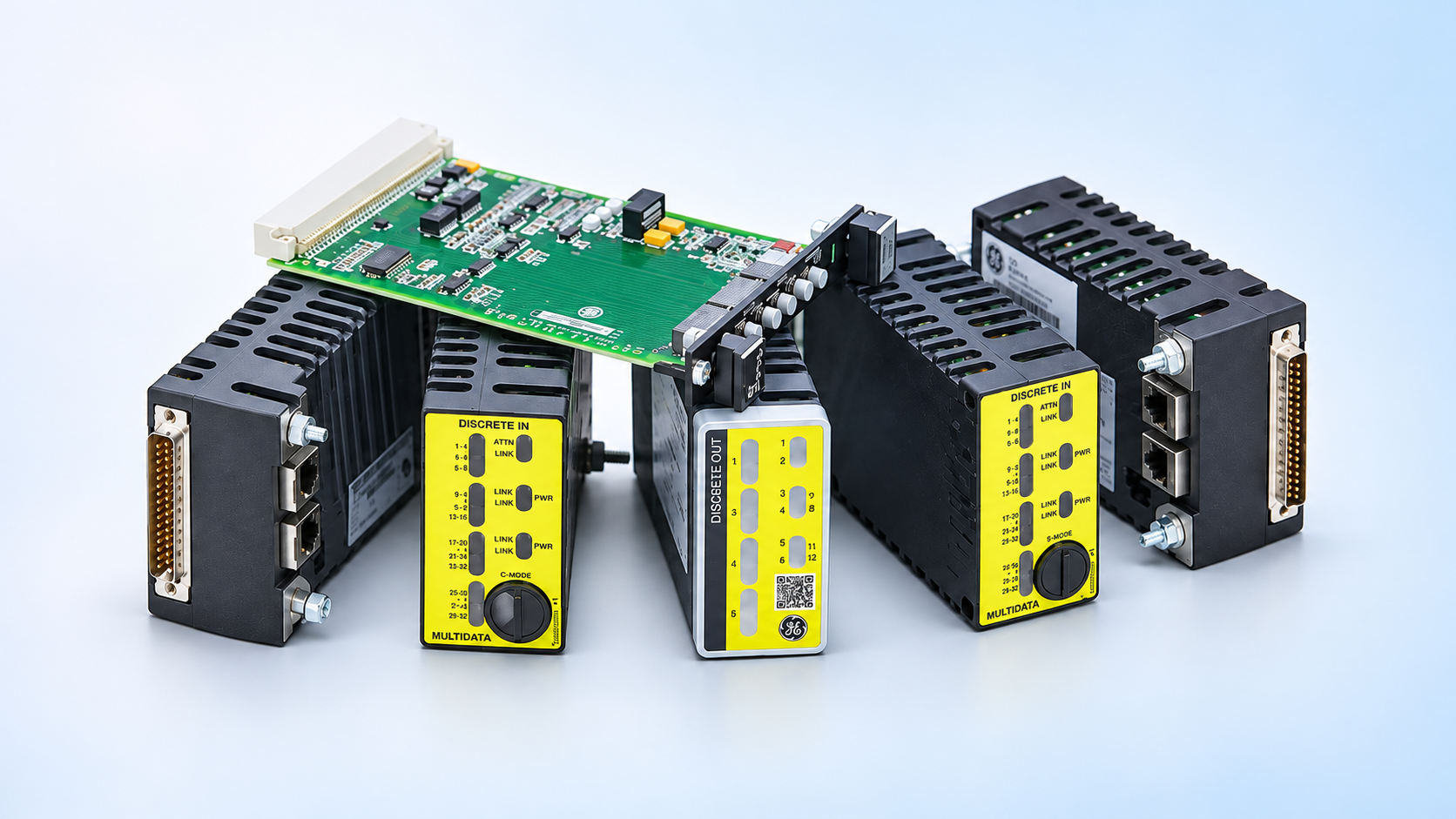
    ​ GE Mark V · Function before part number Three board families.Three different control roles. Use the signal path—not visual similarity—to frame a DS200 spare-parts enquiry. Why this matters DS200TCPS, DS200TCQA and DS200TCDA can appear in the same Mark V enquiry, but they do not perform the same job. A complete replacement review must connect the observed symptom to the board function, installed location, suffix, hardware revision and terminal relationship. This guide explains that practical distinction without claiming interchangeability between revisions. Read the Mark V Signal Path Mark V architecture distributes power support, signal processing and I/O duties across multiple boards, cores and terminal interfaces. A valid-looking DS200 number is therefore a starting point—not a complete technical specification. DS200TCPSshared power conditionsPOWER SUPPORT → DS200TCQAmeasurement and signal reviewANALOGUE PATH → DS200TCDAcontacts and discrete statesDIGITAL I/O → 01 DS200TCPS — Start with the power-support context The DS200TCPS family is associated with power support inside the Mark V architecture. When several functions fail together, technicians should review board condition, connected power paths, protection status where applicable and the installed drawings before replacing a downstream I/O board. For procurement, record the complete catalogue number, suffix, hardware revision and core or panel location. A family description alone cannot prove that two revisions are interchangeable. 02 DS200TCQA — Follow the analogue measurement The DS200TCQA family is associated with analogue-signal processing and related interfaces. If a value drifts, disappears or becomes implausible, compare the field source, terminal interface, cabling, board connections, configuration and raw indication—not only the operator display. Include the affected signal type, installed core assignment, connector identity and any calibration or configuration records with the enquiry. Technical review scene. The illustrated board is not identified as DS200TCPS, DS200TCQA or DS200TCDA; confirm the complete installed label before ordering. 03 DS200TCDA — Trace the digital I/O relationship The DS200TCDA family is associated with discrete inputs and outputs, contact status, terminal-board relationships and the logical state reported by the control system. A missing status can originate in the field device, wiring, terminal interface, board connection or control logic. Photograph the connected interfaces before removal and record the full board label. Connector arrangement and terminal-board context help distinguish a correct request from a visually similar but functionally different board. Diagnostic principle If several unrelated channels disappear together, investigate shared supply or common-interface conditions first. If only analogue measurements are affected, compare field values and raw indications. If discrete states are missing, trace the contact path through the terminal interface to the control logic. Build a Quote That Engineering Can Review Complete identityEvery prefix, suffix and revision printed on the installed board label. Installed contextCabinet, core, slot and connected terminal or interface boards. Observed symptomPower, analogue value, discrete status, intermittent operation or visible damage. Required scopeBoard only, or associated cables, terminal hardware and documentation. Commercial needQuantity, destination, required-on-site date and preferred condition. Decide Which Conversation You Are Having Plant continuity Immediate spare support Use when the plant has a defined board issue and needs a configuration-matched spare, repair or exchange route. Asset strategy Lifecycle migration Use when recurring failures, limited documentation or wider platform risk justify a Mark VIe migration assessment. GE Vernova states that Mark V is no longer produced and that support may involve limited refurbished parts, repair or exchange services, while migration paths to Mark VIe are available. The spare and migration decisions should not be collapsed into one quotation. Configuration-based enquiry Request a Clearer Mark V Quotation Supplying the installed identity and connection context helps separate board function from visual similarity and supports a more accurate availability review. Part number · revision · core/slot · label photos · connected interfaces · quantity · destination · required date

  • Honeywell C300 Controller Sourcing: Six Checks Before Your Next Planned Outage
    November 12, 2026
    Honeywell C300 Controller Sourcing: Six Checks Before Your Next Planned Outage

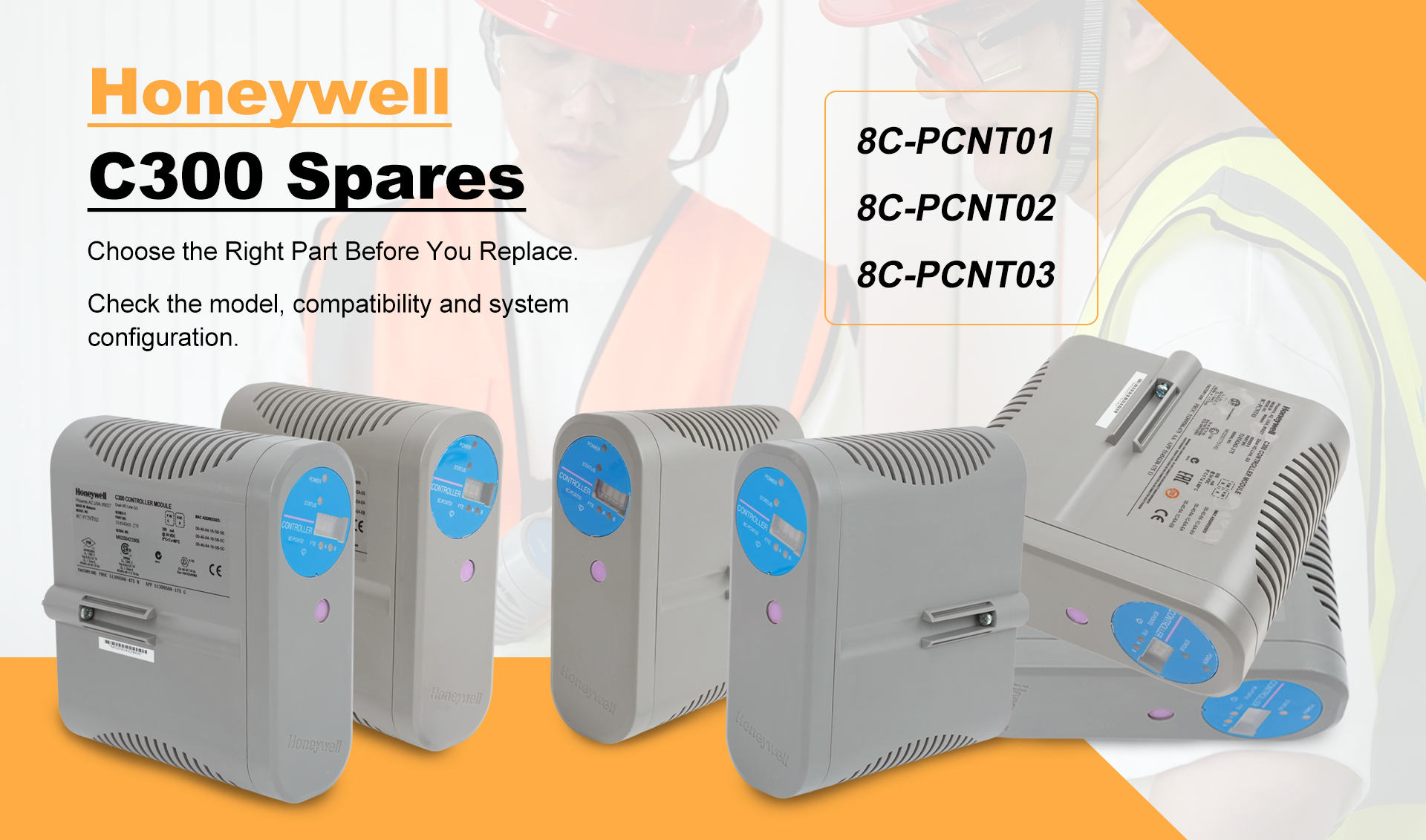
    A planned outage is not the time to discover that a controller quotation was based only on the family name. For Honeywell C300 enquiries, maintenance and procurement teams need a configuration-based request that reflects the installed controller, system release, redundancy architecture and required supply scope. This guide focuses on the information that helps a supplier prepare a more accurate quotation. It does not assume that one C300 catalogue number, hardware revision or controller generation can replace another without an engineering review. Illustrative warehouse handling scene with a Honeywell C300-family controller. Confirm the complete installed part number, hardware revision and system configuration before purchase. What the Honeywell C300 Does Honeywell describes the C300 as an Experion PKS controller that executes control strategies in the Control Execution Environment (CEE). Control Builder is used to configure control functions, while the controller operates within the wider Experion architecture and exchanges information with the associated I/O and system networks. That system role is why the words “C300 controller” are not a complete spare specification. The installed label, controller generation, hardware and firmware record, IOTA arrangement, redundancy design and connected I/O all contribute to the replacement decision. CONFIGURATION VERIFICATION PATH Installed label→Experion and firmware record→Redundancy and IOTA scope→Connected I/O and networks→Supply and acceptance evidence Six Checks Before You Request a Quote 01 · Confirm the complete controller identity Provide a readable photograph of the installed label and transcribe the complete model and part number. Include the hardware revision and serial information when available; do not shorten the request to “Honeywell C300.” 02 · Record the Experion environment State the installed Experion PKS release, controller firmware and the relevant Control Builder or CEE records. These details help separate a physical spare request from work that may require software or engineering preparation. 03 · Define redundancy and IOTA scope Confirm whether the installed controller is simplex or part of a 1:1 redundant arrangement. Identify whether the request is for the controller only or must include the applicable IOTA, redundancy cable, mounting hardware or other associated items. 04 · Identify connected I/O and networks Document the connected Series C, PMIO or other installed I/O context and the relevant network interfaces. System-level protocol support must not be treated as proof that every controller revision is interchangeable. 05 · Set the required condition and evidence Specify the acceptable product condition and the evidence required before shipment, such as label photographs, power-up results, inspection records, included accessories and packaging requirements. 06 · State destination and required date Provide the quantity, final installation country and required-on-site date. A precise outage date is more useful than “urgent” because it allows availability, dispatch and transport options to be reviewed against the real schedule. Exact Spare or System Migration? First define the objective. If the requirement is to restore an installed configuration with minimum change, the enquiry should match the complete installed identity and associated hardware. If the intended part number, firmware level or architecture differs, treat the project as an engineering review rather than a like-for-like purchasing task. Honeywell identifies the C300 family as part of the Experion controller portfolio and also presents technology-upgrade paths for earlier controller platforms. That system-level direction does not by itself approve a drop-in replacement. Migration planning should account for application conversion, I/O strategy, network architecture, cabinet work, software tools, testing and outage execution. Request a Configuration-Based Quotation Send the information in one package so the quotation can be checked against the real maintenance requirement. Complete model · Quantity · Experion / firmware record · Redundancy and IOTA scope · Destination · Required-on-site date · Acceptance evidence Receiving and Pre-Installation Check Match: compare the delivered label, part number, revision, quantity and included items with the written order. Inspect: record packaging condition, connector condition and any visible transport damage before installation. Record: retain label photographs, serial information and supplied documentation for the maintenance history. A receiving inspection confirms what arrived; it does not replace the site's engineering approval, backup verification, firmware review or pre-installation test plan. Official Honeywell Technical References Honeywell — C300 Controller Product Information NoteOfficial explanation of the C300 role, CEE, Control Builder and redundancy context. Honeywell — Experion PKS C300 Controller Hardware DetailsOfficial training document covering controller hardware, topology and diagnostic context. Confirm the document revision and its applicability to the exact installed hardware before approving a purchase or change.

  • Rockwell Lifecycle Update: Direct, Functional and Engineering Replacements Are Not the Same
    November 11, 2026
    Rockwell Lifecycle Update: Direct, Functional and Engineering Replacements Are Not the Same

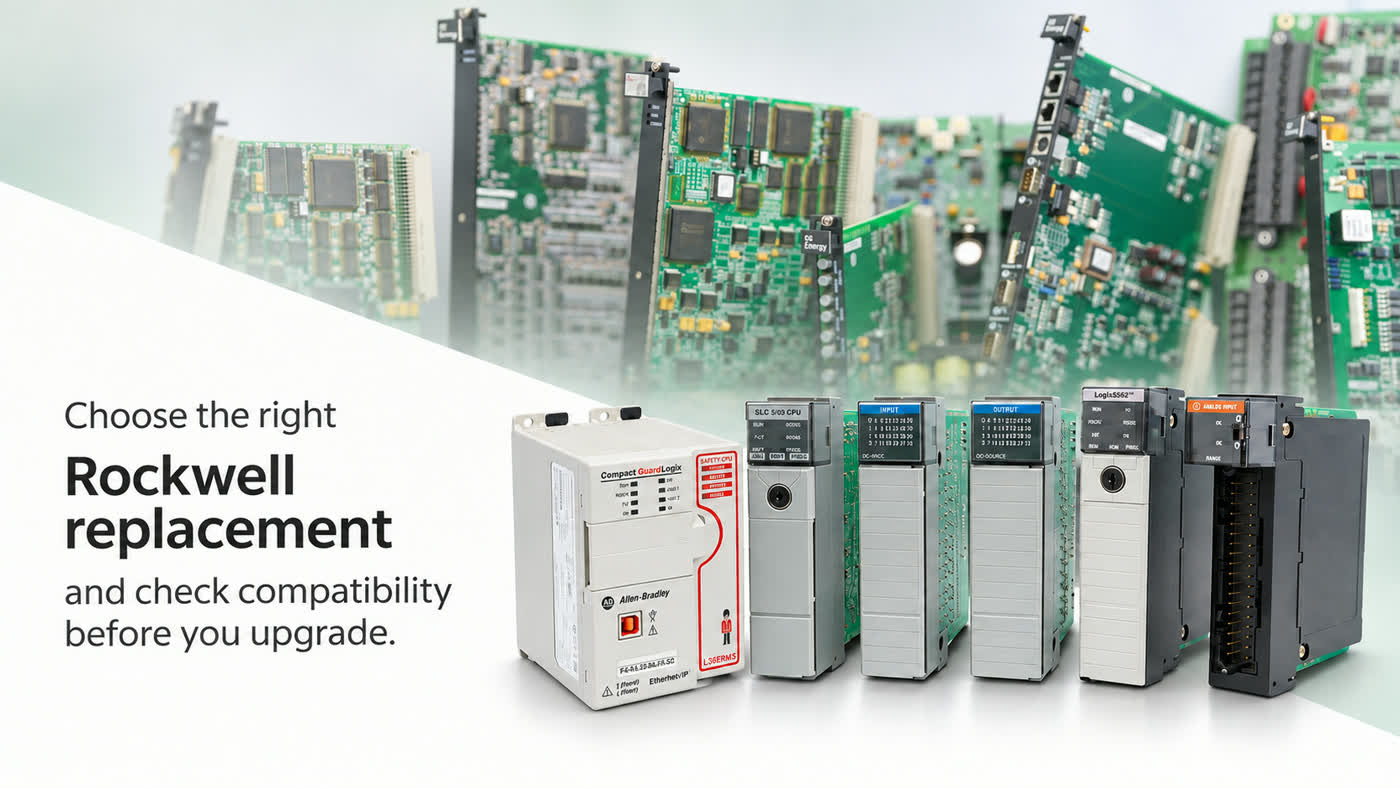
    Rockwell lifecycle update A recommended successor is not automatically a drop-in replacement. Lifecycle status tells you where a catalog number sits in its commercial life; replacement category tells you how much engineering work may be required before the installed application can change. For maintenance and procurement teams, these are two separate decisions. A product may be Active Mature yet still fully supported, or Discontinued with repair or exchange services still available. A recommended replacement may be direct, functional or engineering-based. The category should therefore shape the technical review, outage plan, acceptance evidence and quotation scope. Key rule: search the complete catalog number first, then record both the lifecycle status and the replacement category. A family name or successor number alone is not an installation approval. Read lifecycle status and replacement category separately Rockwell Automation uses four product lifecycle stages. They support commercial planning, but they do not describe the complete technical impact of a change. 01 · ACTIVE The current offering within its product category. Continue normal standardization and support planning. 02 · ACTIVE MATURE The product remains fully supported, but a newer product or family exists. Review migration timing before lifecycle pressure becomes urgent. 03 · END OF LIFE A discontinuation date has been announced. Confirm last-time-buy options, repair coverage, critical-spares exposure and a migration schedule. 04 · DISCONTINUED New manufacture or procurement has ended. Limited inventory, repair or exchange services may still exist, but availability must be verified. Lifecycle status should be checked at the exact catalog-number level and at the time of the decision. Regional availability and product outages can change before the formal discontinuation date, so an old spreadsheet or family-level record should not be treated as current supply evidence. Illustrative catalog-identity inspection scene. Verify the complete catalog number, series, firmware and installed-system records before approving a replacement. What each replacement category means 01 DIRECT REPLACEMENT Rockwell defines this as a product that can replace an earlier item without user modifications or adjustments. The category reduces expected change scope, but the exact catalog number, series, ratings and installed interfaces still require confirmation. 02 FUNCTIONAL REPLACEMENT The replacement performs the required function with minimal application changes. Form, fit or function can differ, so mounting, wiring, configuration, firmware and validation steps should be identified before purchase. 03 ENGINEERING REPLACEMENT The successor supports a migration path but requires engineering changes. Architecture, software, I/O, networking, safety and commissioning scope may all need formal review. A No Planned Replacement entry is different again: it means Rockwell Automation has not assigned a successor. It does not prove that no technical solution exists. It means an alternative cannot be justified by a manufacturer-designated replacement category and must be evaluated on its own evidence. Why a successor still needs engineering review 1. Catalog identity and hardware series. Record the complete catalog number, suffix, series letter, hardware revision and firmware revision from the installed label. A hardware-series change and a firmware change are related but not identical decisions. 2. Mechanical and electrical fit. Compare chassis or mounting format, slot use, connectors, terminal assemblies, supply voltage, signal type, load ratings and environmental limits. Similar appearance does not establish form, fit or function. 3. I/O and network dependencies. Identify local and remote I/O partners, communication modules, network protocols, node addresses, device profiles and connected third-party equipment. A successor can require a different adapter, profile or topology. 4. Software and firmware dependencies. Capture the controller project, programming-software version, current firmware, available add-on profiles, electronic data sheets and any licensed options. Confirm that the engineering workstation can open, modify and download the application. Illustrative incoming-inspection scene using an Allen-Bradley 1756-L63 B controller. It does not establish a replacement or migration approval. 5. Safety, compliance and operational duty. Review safety classification, hazardous-location requirements, certificates, redundancy, scan-time or performance expectations, cybersecurity controls and plant change-management requirements. A general successor recommendation does not replace the site approval process. 6. Acceptance evidence. Define the label photographs, revision details, inspection records, accessories, software media and documentation that must accompany the offer. A plausible description or family name is not enough to release a purchase order. Use PCDC before the scope is frozen Rockwell Automation’s Product Compatibility and Download Center (PCDC) provides product-related firmware, software, downloads and compatibility information. It is especially relevant when a proposed replacement is connected to a network or supported by Studio 5000 software. Use PCDC to review the intended firmware revision, the supported software environment, available release notes and any published compatibility information. This check should be completed before the outage package is frozen. PCDC evidence supports the decision, but it does not by itself approve wiring changes, safety functions, third-party devices or the complete plant application. Series and firmware are separate controls: Rockwell’s system-security guidance explains that a hardware series change can require a firmware revision, while a firmware revision does not necessarily require a series change. Record both values and validate the combination actually installed. Translate the category into a work package DirectMinimum reviewIdentity, series, ratings, installed interfaces and receiving evidenceProject outputDocumented match, inspection plan and rollback spare FunctionalMinimum reviewForm, fit and function differences; wiring, configuration and software changesProject outputChange list, drawings, configuration backup and functional test EngineeringMinimum reviewArchitecture, I/O, networking, software, safety, cybersecurity and commissioning scopeProject outputMigration design, bill of materials, test plan, outage plan and acceptance records Plan the outage, not only the purchase 01 · BASELINE Capture the baseline. Back up the application, record firmware and software versions, photograph labels and wiring, export network settings and record normal operating values before any change. 02 · OFFLINE Prepare offline. Obtain required profiles, firmware and tools; review conversion notes; update drawings; and define who is authorized to approve the change. 03 · CHANGE WINDOW Control the change window. Assign isolation, removal, installation, download, loop-check, functional-test and restart responsibilities. Confirm that the outage duration includes troubleshooting time. 04 · ROLLBACK Define rollback. Keep the original configuration and serviceable hardware available where practical. Establish the conditions that trigger a return to the previous state. Exact spare now or migration now? Use an exact legacy spare when the outage is close, the installed design is stable, change approval cannot be completed in time, or the spare is needed to bridge operations while a migration is engineered. The purchase still requires exact identity, condition and acceptance evidence. Prioritize migration when failure exposure is increasing, several linked components are obsolete, software support is restrictive, repeated repairs are affecting availability, or the plant has a suitable outage and engineering budget. The successor should be evaluated as a system change, not a single-part purchase. Illustrative receiving-inspection scene. Use the readable catalog number and series to define the exact-spare or migration review; the photograph does not establish interchangeability. Receiving and commissioning evidence Define acceptance before the order is released. A practical evidence package can include: clear photographs of the complete catalog number, series, revision and serial label; confirmation of supplied terminal blocks, keys, connectors, memory, batteries or accessories; inspection records for visible damage, connector condition and package contents; the required firmware, software, profiles and documentation identified before installation; backup and restore evidence, network and I/O checks, alarm review and functional-test results; final as-left records showing the installed catalog number, series, firmware and configuration. Receiving inspection confirms what arrived; it does not replace the engineering approval required before installation. Likewise, a successful power-up does not prove that every I/O path, interlock, network connection and safety function has been validated. Information to include with an urgent enquiry Send the complete installed catalog number, series and revision; quantity; destination; required-on-site date; clear label photographs; current software and firmware information; and a short description of the installed duty. State whether only an exact spare is acceptable or whether the engineering team is prepared to review a functional or engineering migration option. This keeps the quotation aligned with the real maintenance decision and prevents a successor number from being mistaken for a confirmed drop-in replacement. Official Rockwell Automation references System Security Design Guidelines (SECURE-RM001) — product change management, lifecycle status, hardware series and replacement classifications. Migration Solutions (MIGRAT-PP048) — official migration publication using replacement-category terminology across product families. Technical note: Lifecycle, replacement and compatibility information can change by catalog number, series, firmware revision and region. Recheck the applicable Rockwell record and document revision before purchase, design approval or installation.


  • Back in Stock: GE IS200EBRGH2A Exciter Bridge Interface Boards
    October 24, 2026
    Back in Stock: GE IS200EBRGH2A Exciter Bridge Interface Boards

    INVENTORY UPDATE / GE SPARE PARTS IS200EBRGH2A is back in stock at Bestwell. Buyers planning maintenance, following up on open requisitions or replenishing critical spares can request an updated quotation. Actual quantity, product condition and dispatch timing are subject to written confirmation at quotation. Include your required quantity, destination and required-on-site date when enquiring. For Maintenance and Procurement Teams Planned maintenance. Review outstanding spare-board requirements ahead of the next scheduled outage, and identify which requisitions are tied to that maintenance window. Open purchase requisitions. Recheck previously unfilled enquiries against the current offer, using the purchasing reference to connect the quotation with your internal request. Critical-spares planning. Compare the requirement with your installed equipment records and spare-parts list before adding a board to reserve stock. Illustrative GE board photographs. IS200EBRGH2A Product: Exciter bridge interface board Manufacturer GE System family EX2100e excitation control What the EBRG Board Does The EBRG board interfaces EX2100e excitation control with the power bridge and associated bridge I/O. GE's user guide describes this function in Section 5.3.1. For replacement assessment, match the complete part number and hardware revision to the installed-system records. BUYER’S CHECKPOINTS Four Checks Before You Place an Order 01 Confirm the complete board identification. Supply a clear installed-board label photograph, including every marked suffix, and the equipment or panel reference. 02 Define the required condition and supply scope. State your preferred condition and whether the requirement covers the board alone or specified accessories. 03 Provide the destination and required-on-site date. Separate the dispatch estimate from transport and customs timing when assessing the maintenance schedule. 04 Specify the required acceptance evidence. List any required label photographs, condition records or inspection documents before ordering. Request an Updated Quotation IS200EBRGH2A · Quantity · Required Date · Destination · Preferred Condition Send the details above with your purchasing reference and available label photographs. Ask Bestwell to address the four checkpoints in one written offer, then compare the proposed supply scope with your requisition before placing the order. Request an IS200EBRGH2A quote → Contact Bestwell: sales8@amikon.cn EX2100e System Context GE Vernova describes EX2100e as a software-enabled excitation-control platform for gas, steam, hydro and nuclear generating applications. Part of the Mark VIe control family, it supports new installations and modernization projects. Its configurations include regulators for rotating exciters and thyristor-based static excitation systems for higher excitation-current applications. At system level, controllers, protection functions, power-conversion bridges and associated interface and I/O hardware work together. GE describes simplex and redundant arrangements; controller redundancy and converter redundancy address different parts of that architecture. The site configuration determines which arrangement applies. The ControlST suite provides the software environment: ToolboxST supports configuration and diagnostics, WorkstationST manages HMI and historian functions, and CIMPLICITY provides graphical operator interfaces. GE’s documentation describes access to alarms, trends, logic diagrams and signal-flow information, including real-time values in engineering units. These are platform capabilities, not a software entitlement supplied with an individual board. GEA35384 distinguishes complete system replacements from controls-only digital front-end retrofits that can retain field devices, wiring and cabinet terminations. This background does not establish interchangeability between board numbers, suffixes or hardware revisions. Replacement approval must follow the applicable GE documentation and installed-system records. Board Replacement vs. System Upgrade Use the purchase objective to define the technical review. These questions help separate three common requirements. Fault replacement Does the proposed board match the complete part number and hardware revision recorded on site? Which applicable GE documents support the replacement decision? Critical-spares planning Which equipment, installation position and approved spare-parts list does this purchase support? Record that association so the spare can be identified when needed. System modification or upgrade Does the proposed work change controllers, software, interfaces or wiring? Identify the engineering documents, review responsibilities and acceptance criteria required for the intended scope. Spare-part availability does not constitute technical approval of a replacement or upgrade. Keep purchasing confirmation and engineering approval as separate records. Illustrative GE product photograph. Receiving Check 1. Match 2. Inspect 3. Record Compare labels, quantity and included items with the order, check for visible transport damage, and retain photographs with the receipt record. Receiving inspection does not replace engineering approval before installation; the responsible team must review the applicable system records and GE documentation. GE Manuals and Technical Literature GEH-6781L — EX2100e Excitation Control User Guide (PDF)GE user guide: Section 5.3.1 covers EBRG; Section 8 covers replacement and ordering. Third-party PDF host. GEI-100776 — EX2100e Excitation Control Bridge Interface (EBRG) Board Instruction GuideBoard-level manual listed in GEH-6781L. No verified public download is provided; obtain the applicable revision through site documentation or the manufacturer. GEA35384 — Generator Control Migrations with the EX2100e (PDF)GE Vernova fact sheet, November 2023. Platform background only; it does not establish interchangeability of individual spare boards. GEA35420 — ControlST Software Suite Fact Sheet (PDF)Official GE Vernova technical fact sheet covering ToolboxST, WorkstationST and system diagnostics. Software-platform background only; it is not an IS200EBRGH2A installation manual or evidence of board interchangeability. Check document revisions against the installed hardware before applying technical information. For an updated quotation, send your complete part number, quantity, destination and required-on-site date to sales8@amikon.cn.

leave a message
If you are interested in our products and want to know more details,please leave a message here,we will reply you as soon as we can.