leave a message
If you are interested in our products and want to know more details,please leave a message here,we will reply you as soon as we can.


Rockwell lifecycle update
A recommended successor is not automatically a drop-in replacement. Lifecycle status tells you where a catalog number sits in its commercial life; replacement category tells you how much engineering work may be required before the installed application can change.
For maintenance and procurement teams, these are two separate decisions. A product may be Active Mature yet still fully supported, or Discontinued with repair or exchange services still available. A recommended replacement may be direct, functional or engineering-based. The category should therefore shape the technical review, outage plan, acceptance evidence and quotation scope.
Rockwell Automation uses four product lifecycle stages. They support commercial planning, but they do not describe the complete technical impact of a change.
The current offering within its product category. Continue normal standardization and support planning.
The product remains fully supported, but a newer product or family exists. Review migration timing before lifecycle pressure becomes urgent.
A discontinuation date has been announced. Confirm last-time-buy options, repair coverage, critical-spares exposure and a migration schedule.
New manufacture or procurement has ended. Limited inventory, repair or exchange services may still exist, but availability must be verified.
Lifecycle status should be checked at the exact catalog-number level and at the time of the decision. Regional availability and product outages can change before the formal discontinuation date, so an old spreadsheet or family-level record should not be treated as current supply evidence.
Rockwell defines this as a product that can replace an earlier item without user modifications or adjustments. The category reduces expected change scope, but the exact catalog number, series, ratings and installed interfaces still require confirmation.
The replacement performs the required function with minimal application changes. Form, fit or function can differ, so mounting, wiring, configuration, firmware and validation steps should be identified before purchase.
The successor supports a migration path but requires engineering changes. Architecture, software, I/O, networking, safety and commissioning scope may all need formal review.
A No Planned Replacement entry is different again: it means Rockwell Automation has not assigned a successor. It does not prove that no technical solution exists. It means an alternative cannot be justified by a manufacturer-designated replacement category and must be evaluated on its own evidence.
1. Catalog identity and hardware series. Record the complete catalog number, suffix, series letter, hardware revision and firmware revision from the installed label. A hardware-series change and a firmware change are related but not identical decisions.
2. Mechanical and electrical fit. Compare chassis or mounting format, slot use, connectors, terminal assemblies, supply voltage, signal type, load ratings and environmental limits. Similar appearance does not establish form, fit or function.
3. I/O and network dependencies. Identify local and remote I/O partners, communication modules, network protocols, node addresses, device profiles and connected third-party equipment. A successor can require a different adapter, profile or topology.
4. Software and firmware dependencies. Capture the controller project, programming-software version, current firmware, available add-on profiles, electronic data sheets and any licensed options. Confirm that the engineering workstation can open, modify and download the application.
5. Safety, compliance and operational duty. Review safety classification, hazardous-location requirements, certificates, redundancy, scan-time or performance expectations, cybersecurity controls and plant change-management requirements. A general successor recommendation does not replace the site approval process.
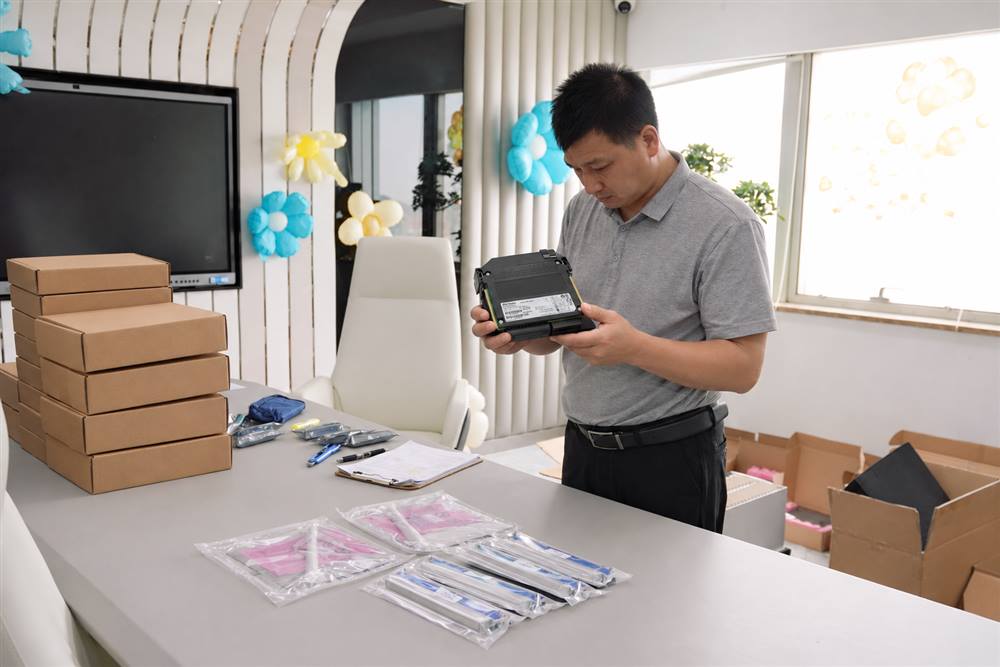
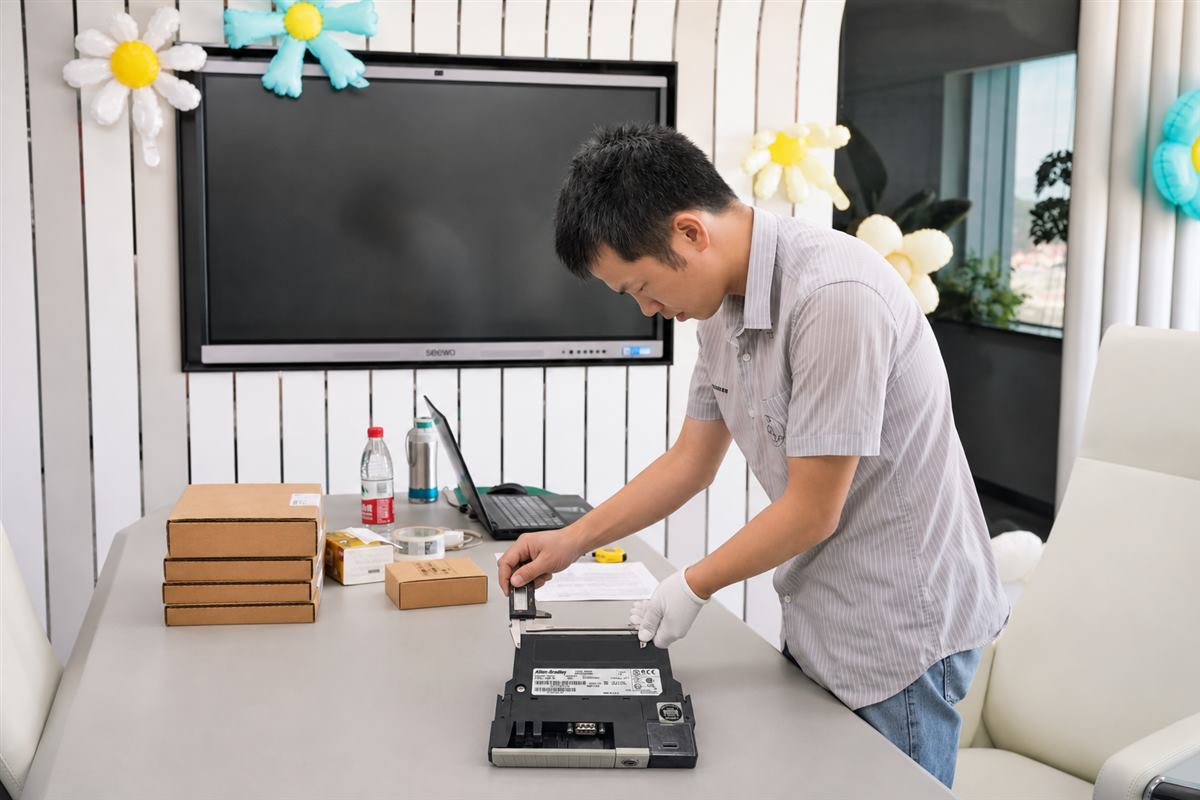
6. Acceptance evidence. Define the label photographs, revision details, inspection records, accessories, software media and documentation that must accompany the offer. A plausible description or family name is not enough to release a purchase order.
Rockwell Automation’s Product Compatibility and Download Center (PCDC) provides product-related firmware, software, downloads and compatibility information. It is especially relevant when a proposed replacement is connected to a network or supported by Studio 5000 software.
Use PCDC to review the intended firmware revision, the supported software environment, available release notes and any published compatibility information. This check should be completed before the outage package is frozen. PCDC evidence supports the decision, but it does not by itself approve wiring changes, safety functions, third-party devices or the complete plant application.
Capture the baseline. Back up the application, record firmware and software versions, photograph labels and wiring, export network settings and record normal operating values before any change.
Prepare offline. Obtain required profiles, firmware and tools; review conversion notes; update drawings; and define who is authorized to approve the change.
Control the change window. Assign isolation, removal, installation, download, loop-check, functional-test and restart responsibilities. Confirm that the outage duration includes troubleshooting time.
Define rollback. Keep the original configuration and serviceable hardware available where practical. Establish the conditions that trigger a return to the previous state.
the outage is close, the installed design is stable, change approval cannot be completed in time, or the spare is needed to bridge operations while a migration is engineered. The purchase still requires exact identity, condition and acceptance evidence.
failure exposure is increasing, several linked components are obsolete, software support is restrictive, repeated repairs are affecting availability, or the plant has a suitable outage and engineering budget. The successor should be evaluated as a system change, not a single-part purchase.
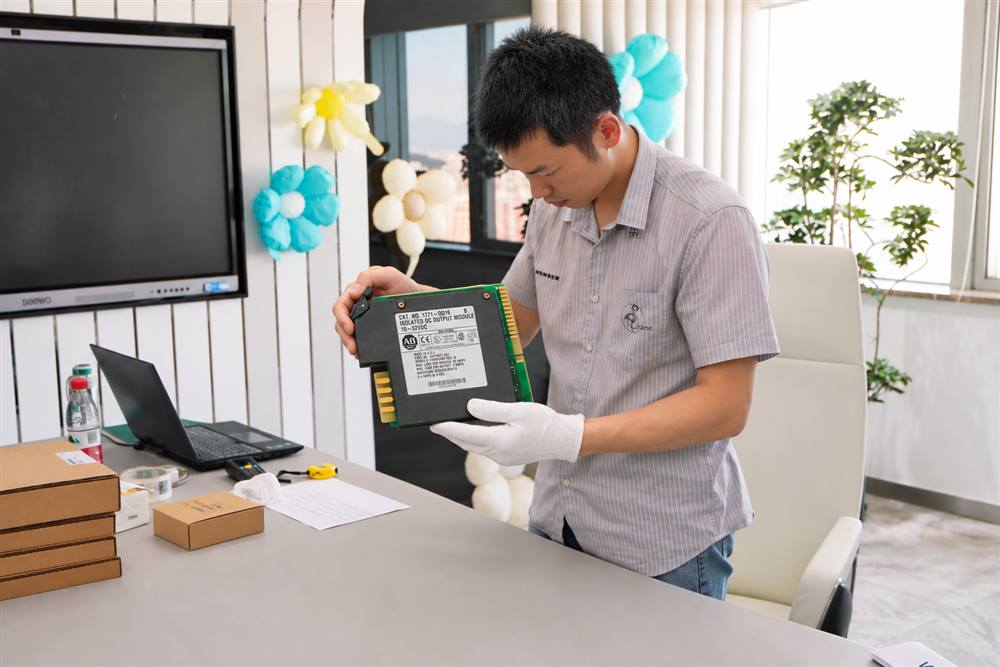
Define acceptance before the order is released. A practical evidence package can include:
Receiving inspection confirms what arrived; it does not replace the engineering approval required before installation. Likewise, a successful power-up does not prove that every I/O path, interlock, network connection and safety function has been validated.
Send the complete installed catalog number, series and revision; quantity; destination; required-on-site date; clear label photographs; current software and firmware information; and a short description of the installed duty. State whether only an exact spare is acceptable or whether the engineering team is prepared to review a functional or engineering migration option. This keeps the quotation aligned with the real maintenance decision and prevents a successor number from being mistaken for a confirmed drop-in replacement.
Technical note: Lifecycle, replacement and compatibility information can change by catalog number, series, firmware revision and region. Recheck the applicable Rockwell record and document revision before purchase, design approval or installation.
Scan to Wechat :

Scan to WhatsApp :